Microwave Health Diagnostic Tool
Answer the following questions to evaluate your microwave's health. This tool helps you decide whether to perform simple fixes, call a technician, or buy a new unit.
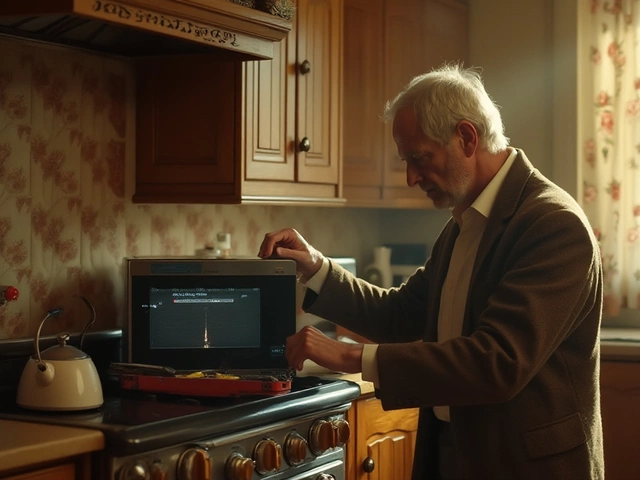
You’re heating up leftovers, and suddenly the light flickers, or worse, you smell burning plastic. It’s that sinking feeling every homeowner dreads. But is your microwave actually dying, or is it just acting up? Before you rush to buy a new one or call a technician, there are clear signs you can spot at home. Knowing these early can save you money on unnecessary repairs or help you time your replacement perfectly.
The Sound of Trouble: Unusual Noises
A healthy microwave hums quietly while it works. If yours starts sounding like a jet engine taking off inside your kitchen cabinet, something is wrong. The most common culprit here is the magnetron, the component that generates the microwaves themselves. When the magnetron begins to fail, it often produces a loud buzzing or humming noise that gets louder as the cycle progresses.
Another noisy suspect is the cooling fan. This fan keeps the internal components from overheating. If it’s clogged with grease or dust, it will rattle or grind. You can sometimes fix this by cleaning the vents, but if the noise persists after cleaning, the fan motor might be seizing up. A failing fan is a critical issue because without proper cooling, other parts will burn out quickly.
Inconsistent Heating Performance
Does your coffee come out lukewarm in the center but boiling hot on the edges? Or does your popcorn remain unpopped despite running for three minutes? Inconsistent heating is a classic sign of a failing system. While a small amount of unevenness is normal due to how waves bounce around, significant cold spots usually point to issues with the turntable or its motor.
Check if the glass plate spins freely. If it’s stuck, food won’t cook evenly. However, if the plate spins fine but the food still cooks poorly, the magnetron’s output power may have dropped. Over years of use, the magnetron degrades. It doesn’t stop working entirely; it just becomes less efficient. If you notice your cooking times doubling over the last year, your microwave is likely nearing the end of its life.
Electrical and Display Issues
Modern microwaves are essentially computers with heating elements. If the digital display goes blank, flashes erratic numbers, or refuses to respond to button presses, you’re looking at a control board problem. Sometimes, this is a simple fuse issue. Microwaves have high-voltage fuses designed to blow if there’s a power surge or a short circuit. Replacing a fuse is cheap and easy, but if it blows again immediately, you have a deeper electrical fault.
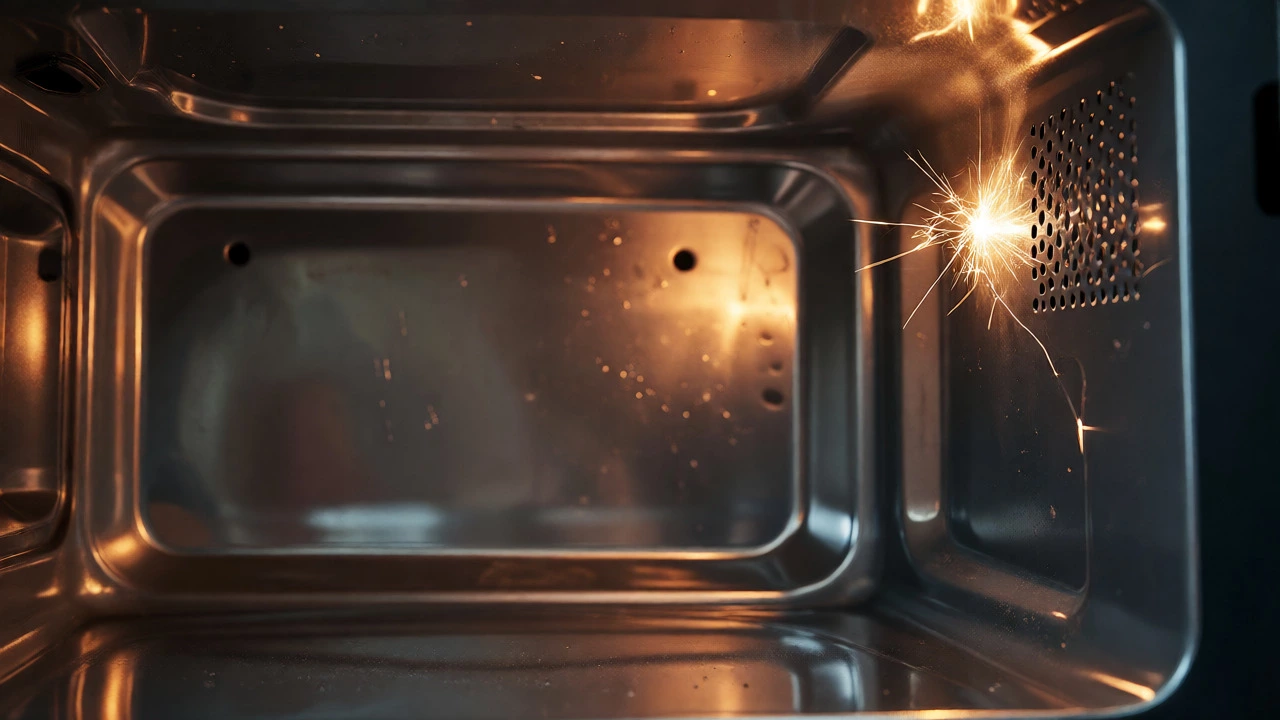
Watch out for the door switch too. If the microwave doesn’t start when you close the door, or if it continues running after you open it, the interlock switches are worn out. These switches are safety features. If they fail, the unit might not engage the magnetron, or worse, it could leak radiation (though rare) if the door seal is compromised. A microwave that sparks internally is also a major red flag. Small sparks near the waveguide cover are often just food debris arcing, but large sparks indicate damaged internal shielding.
Physical Wear and Tear
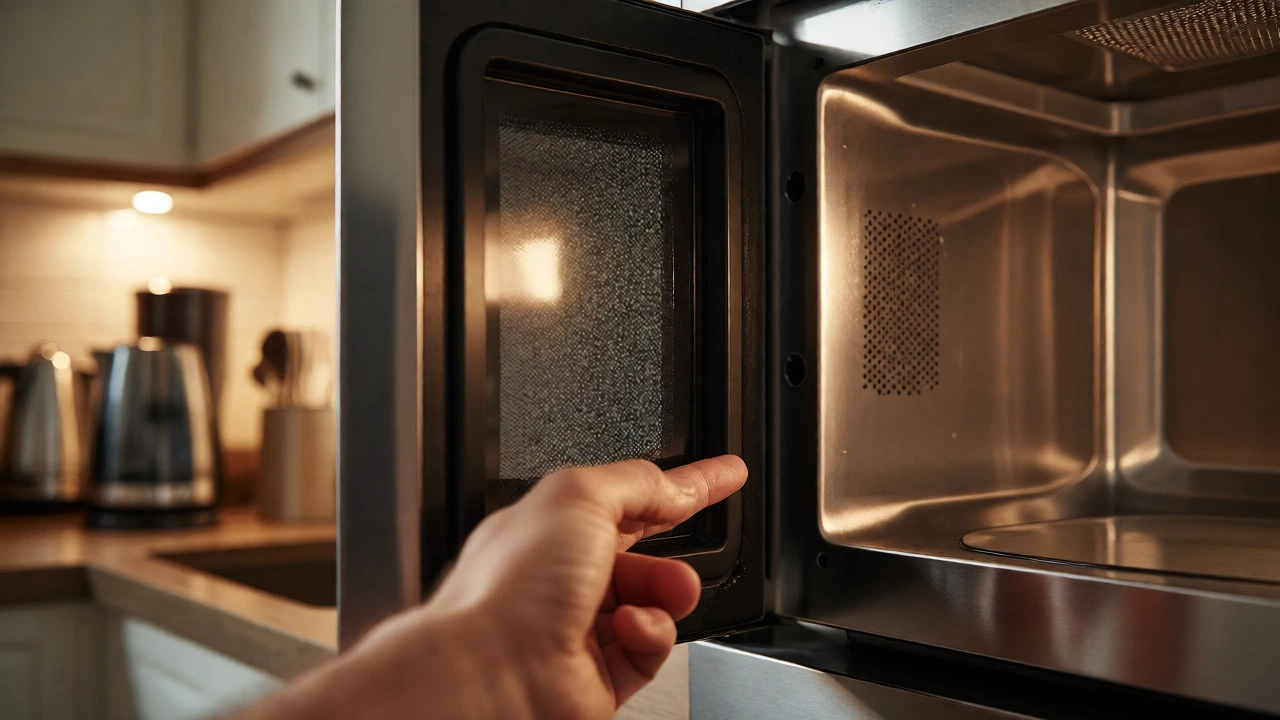
Don’t ignore the physical state of the appliance. The door seal is crucial for keeping microwaves contained. Run a finger along the rubber gasket. If it’s cracked, brittle, or missing chunks, energy escapes during operation. This leads to inefficient cooking and potential safety hazards. You can test this by closing the door on a piece of paper. If you can pull the paper out easily without resistance, the seal is loose.
Inside the cavity, look for rust or peeling paint. Most microwaves have an enamel coating to reflect waves. If this chips away, exposed metal can arc against the walls, causing fire risks. Deep scratches or rust spots are hard to repair effectively. Once the interior integrity is compromised, replacement is usually safer than repair.
| Symptom | Likely Cause | Repair Difficulty | Action |
|---|---|---|---|
| Loud buzzing/humming | Failing Magnetron or Fan | Medium-High | Clean vents; replace fan/magnetron |
| Cold centers in food | Weak Magnetron or Stuck Turntable | Low-Medium | Check rotation; consider replacement if old |
| No response/Dead screen | Blown Fuse or Control Board | Low-High | Replace fuse first; then check board |
| Sparking inside | Food debris or Damaged Waveguide | Low | Clean thoroughly; replace waveguide cover |
| Door won't latch/start | Worn Door Switches | Medium | Replace interlock switches |
When to Repair vs. Replace
Here is the golden rule of appliance economics: if the repair cost exceeds 50% of the price of a new unit, buy a new one. For a standard countertop microwave costing $100-$150, a $60 repair bill for labor and parts rarely makes sense unless it’s a simple fuse change. Built-in models are different. They cost significantly more ($300+), so paying $100 for a specialized part like a high-end control panel might be worth it to avoid cabinetry changes.
Consider the age. Most microwaves last between 7 to 10 years. If yours is 8 years old and the magnetron fails, don’t bother fixing it. Other components like capacitors and diodes are likely tired too. Newer models are also more energy-efficient and offer better sensor cooking technology, which automatically adjusts time based on steam levels.
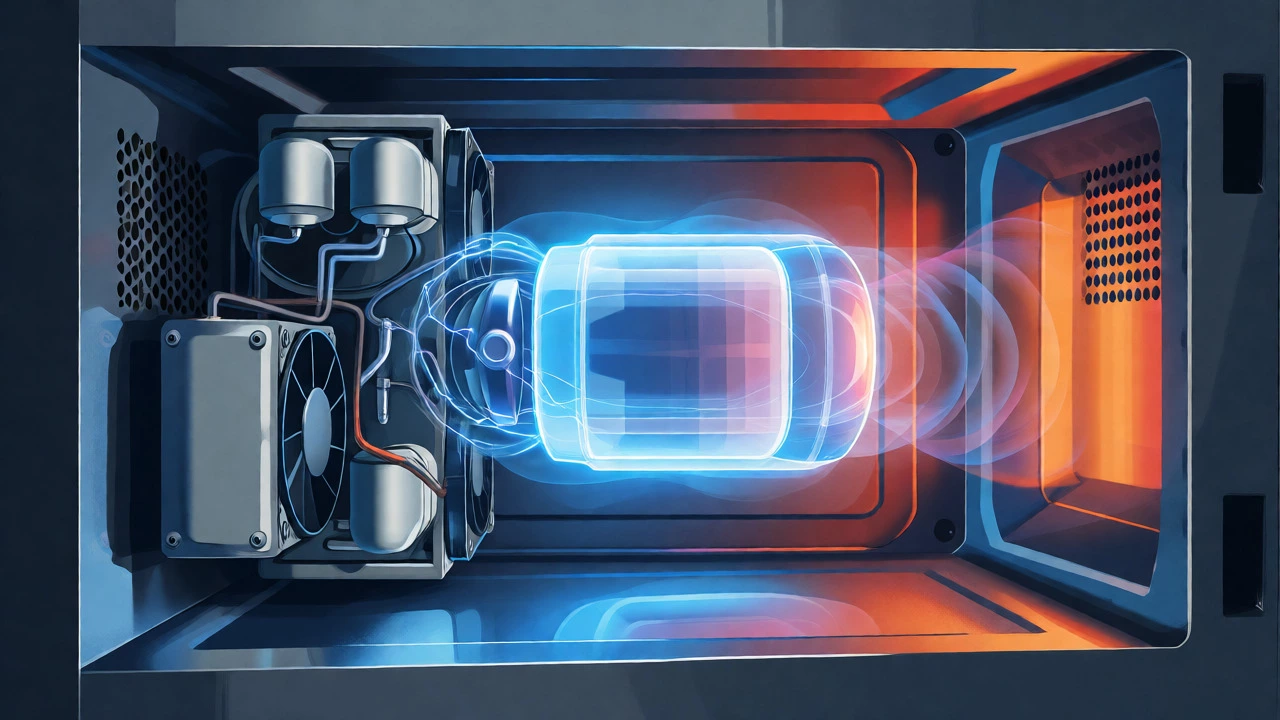
Safety First: Handling High Voltage
If you plan to open the case yourself, proceed with extreme caution. Microwaves store high voltage in the high-voltage capacitor even when unplugged. This charge can be lethal. Always unplug the unit and wait at least 15 minutes before touching internal components. If you aren’t comfortable discharging the capacitor properly, hire a professional. There’s no shame in calling a pro for electrical work inside a sealed box.
Maintenance Tips to Extend Life
You can delay the inevitable with good habits. Wipe spills immediately. Sugar and fat splatters absorb microwave energy, turning into hard carbon deposits that can damage the interior finish. Use microwave-safe containers only-metal causes arcing, and some plastics melt. Don’t run the microwave empty. Without food or liquid to absorb the energy, the waves bounce back to the magnetron, potentially damaging it.
Clean the exterior vents regularly. Dust buildup restricts airflow, forcing the cooling fan to work harder and shorter its lifespan. A quick vacuum over the grilles once a month can prevent overheating issues down the track.
Is it safe to use a sparking microwave?
Generally, no. Minor sparks caused by leftover food particles can be cleaned, but persistent sparking indicates damaged internal components like the waveguide cover or chokes. Continued use can lead to electrical fires or further damage to the magnetron. Stop using it until inspected.
Why is my microwave making a loud noise but still heating?
This usually points to a failing cooling fan or a struggling magnetron. If the fan bearings are dry, they squeal. If the magnetron is losing efficiency, it buzzes loudly as it tries to generate sufficient power. Check the vents for blockages first; if clear, the part needs replacement.
How long should a microwave last?
The average lifespan is 7 to 10 years. Heavy usage, poor ventilation, and lack of cleaning can shorten this to 5 years. Regular maintenance and avoiding empty cycles can push it toward the 10-year mark.
Can I replace the magnetron myself?
Yes, if you are handy and understand basic electronics. You must safely discharge the high-voltage capacitor before touching anything inside. If you skip this step, you risk severe electric shock. If unsure, hire a technician.
What does it mean if the turntable stops spinning?
It usually means the turntable motor has burned out or the coupling under the glass plate is stripped. Food will heat unevenly. Replacing the motor is a common and relatively inexpensive repair for many models.