Dishwasher Reset Assistant
Select your dishwasher brand below to see the exact steps to reset it.
Common Error Codes
If It Still Won't Work...
Check the filter for clogs. Ensure the door latch is clean and engaging properly. Verify water supply is turned on.
Your dishwasher is acting up. It won’t start, it’s stuck in the middle of a cycle, or the display is flashing an error code you don’t recognize. Before you call a technician and fork out hundreds of dollars, there is one simple step you might be missing: resetting the machine. Just like your computer or smartphone, modern dishwashers have computers inside them that can glitch. A quick reset often clears these glitches without any tools or technical knowledge.
Resetting isn't just about turning it off and on again. Depending on your brand, it involves specific button combinations or power cycling techniques. This guide covers exactly how to reset every major dishwasher brand currently on the market, from Bosch and Miele to Whirlpool and Samsung. We will also explain why resets work and when they actually solve the problem versus when you have a broken part.
Why Does Your Dishwasher Need a Reset?
You might wonder why a kitchen appliance needs a software reset. Modern dishwashers are essentially water management computers. They use sensors to monitor water temperature, flow rate, door latch status, and drain pressure. If the sensor sends a confusing signal-for example, if the power flickered during a wash cycle-the control board might get stuck in a safety loop. It stops working to prevent flooding or damage.
A reset forces the control board to reboot its memory. It clears temporary error logs and re-initializes the sensors. Think of it as clearing the cache on your phone. It doesn’t fix a broken pump or a cracked hose, but it does fix the logic error that thinks those parts are broken. If your dishwasher is making noise but not draining, or if the lights are dimming strangely, a reset is the first diagnostic step.
The Universal Power Cycle Method
If you cannot find a specific reset button combination for your model, try the universal power cycle. This works for almost all brands because it cuts power to the main control board, forcing a hard reboot.
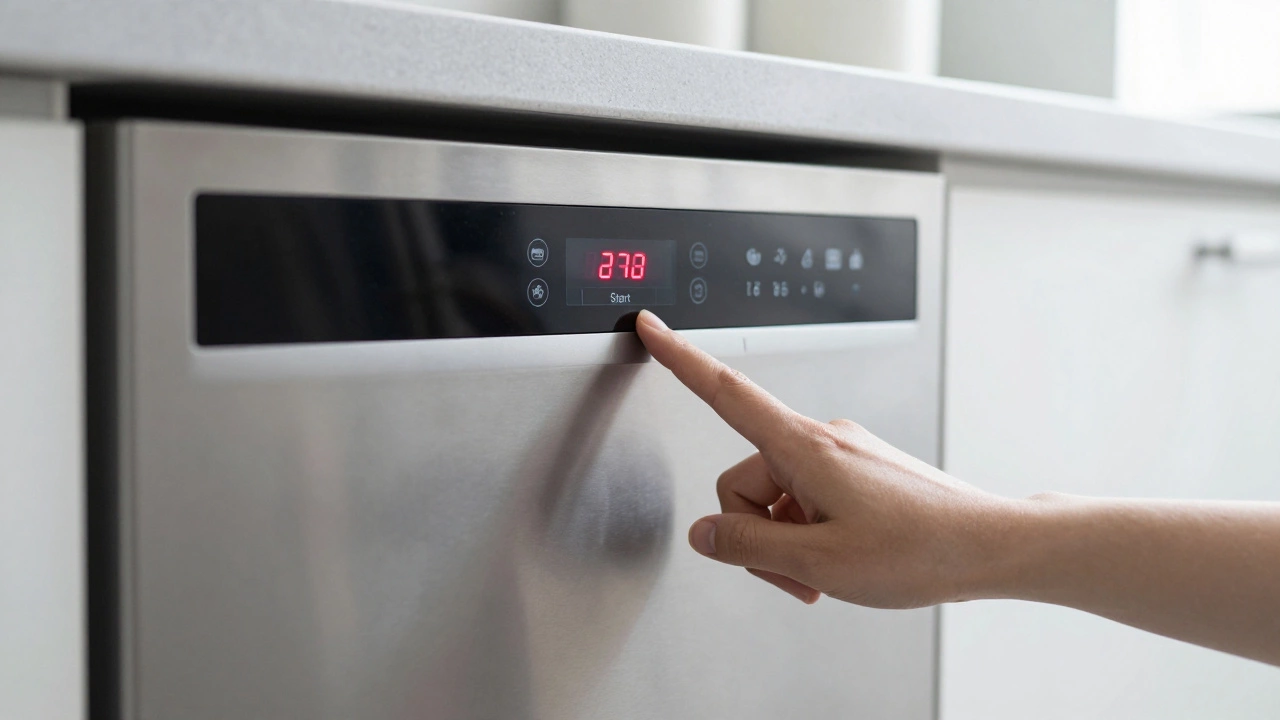
- Turn off the dishwasher. Use the control panel to switch the unit off completely.
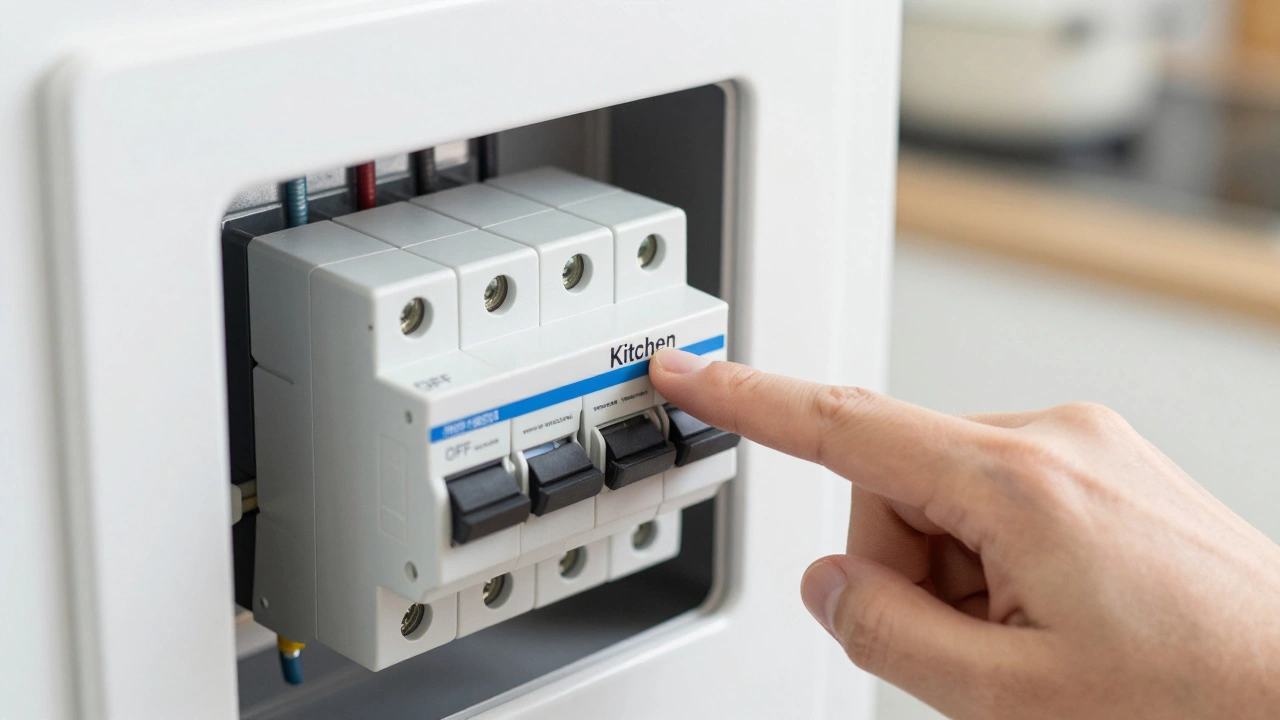
- Locate the circuit breaker. Go to your home’s electrical panel (fuse box). Find the switch labeled "Kitchen" or "Dishwasher." Flip it to the OFF position.
- Wait at least 60 seconds. This wait time is crucial. The capacitors inside the control board need this time to discharge fully. If you flip it back too soon, the board retains the old error state.
- Flip the breaker back ON. Restore power to the unit.
- Test the machine. Try starting a new cycle. If the display is blank, press the power button once to wake it up.
If you do not have access to the breaker box, you can unplug the dishwasher. However, many built-in models are hardwired into the wall outlet behind the kickplate or under the counter. In those cases, the circuit breaker method is the only safe option. Never pull the plug if the cord is connected directly to house wiring.
Brand-Specific Reset Instructions
Different manufacturers program their control boards differently. Some require a long press, others need a sequence of buttons. Here is how to reset the most common brands found in homes today.
Bosch Dishwasher Reset
Bosch machines are known for their quiet operation and European-style controls. They rarely have a dedicated "reset" button. Instead, they rely on a power cycle or a specific key combination depending on the series.
- Series 4, 5, 6, 7, and 8: Press and hold the Start/Reset button for 3 to 5 seconds. If that does not work, turn the dial to "Off," wait 10 seconds, and turn it back on.
- Older Models with Digital Displays: If an error code (like E15 or E24) is displayed, press and hold the Rinse Aid and Heated Dry buttons simultaneously for 5 seconds. This clears the error log.
If the Bosch dishwasher still shows an error after this, check the filter. A clogged filter often triggers false error codes that look like electronic failures.
Whirlpool and KitchenAid Reset
Whirlpool and its premium brand, KitchenAid, share similar control architectures. Many newer models feature a "Control Lock" function that mimics a frozen screen.
- Standard Reset: Press and hold the Heated Dry button for 3 seconds. On some models, this is labeled Dry Boost. This cancels the current cycle and returns the unit to standby mode.
- Hard Reset: If the standard method fails, press and hold both the Start and Cancel buttons simultaneously for 3 seconds. This forces the control board to dump its memory.
KitchenAid users should note that if the "Control Lock" icon is lit, no buttons will respond. Hold the Control Lock button for 3 seconds to unlock it before attempting any other reset.
Samsung and LG Reset
Asian manufacturers like Samsung and LG often use touch-sensitive panels. These can sometimes register "ghost touches" due to moisture or humidity, causing the machine to behave erratically.
- Samsung: Press and hold the Pause button for 3 to 5 seconds. This usually cancels the active cycle. For a full system reset, unplug the unit for 1 minute (if accessible) or use the circuit breaker method described earlier.
- LG: Press and hold the Start/Pause button for 3 seconds. If the display is flashing, try pressing Rinse Hold and Hi-Temp Wash together for 3 seconds. This combination clears most error codes on LG Logic systems.
Miele and Asko Reset
Miele and Asko are high-end European brands that prioritize durability over flashy interfaces. Their reset procedures are minimalistic.
- Miele: There is no button combination. You must perform a power cycle. Turn the selector knob to the "Off" position. Wait 10 seconds. Turn it back to your desired program. If the machine is stuck, disconnect power at the breaker for 1 minute.
- Asko: Press and hold the Start button for 5 seconds while the machine is idle. This clears any pending commands.
Frigidaire and GE Reset
Frigidaire and General Electric (GE) appliances often use similar digital displays. They are prone to getting stuck if the door latch sensor is dirty.
- Frigidaire: Press and hold the Cancel button for 3 seconds. If that doesn't work, press Power and Start together for 3 seconds.
- GE Profile & Cafe: Press and hold the Delay Start button for 3 seconds. On older GE models, press On/Off and Start simultaneously for 3 seconds.
| Brand | Primary Reset Action | Alternative Action |
|---|---|---|
| Bosch | Hold Start/Reset (3-5s) | Power Cycle via Breaker |
| Whirlpool | Hold Heated Dry (3s) | Hold Start + Cancel (3s) |
| Samsung | Hold Pause (3-5s) | Unplug for 1 Minute |
| LG | Hold Start/Pause (3s) | Rinse Hold + Hi-Temp (3s) |
| Miele | Knob to Off, Wait 10s | Power Cycle via Breaker |
| GE | Hold Delay Start (3s) | Hold On/Off + Start (3s) |
Interpreting Error Codes After a Reset
If your dishwasher displays an error code after you attempt a reset, pay close attention. The code tells you what physical component failed. A reset will not fix a mechanical failure, but it helps you identify it correctly so you don't waste money replacing the wrong part.
Common codes include:
- E15 / F05 (Bosch): Water leak detected. Check the bottom of the tub for standing water. This is often caused by a loose hose clamp, not a broken sensor.
- OE / LE (Samsung/LG): Drain error. The machine cannot pump water out. Check the drain hose for kinks or a clog in the garbage disposal connection.
- SE / F9 (Whirlpool): Temperature sensor error. The heating element may be faulty, or the wiring harness is disconnected.
- E24 (Miele): Water supply issue. Ensure the inlet valve is open and the screen in the water line is clean.
If the code returns immediately after a reset, the problem is hardware-related. Do not keep resetting; you risk damaging the control board further. Call a repair technician or order the specific part indicated by the code.
When a Reset Isn't Enough
While resetting fixes 50% of "phantom" issues, the other half requires physical maintenance. If your dishwasher resets successfully but the problem returns within a day, check these three areas:
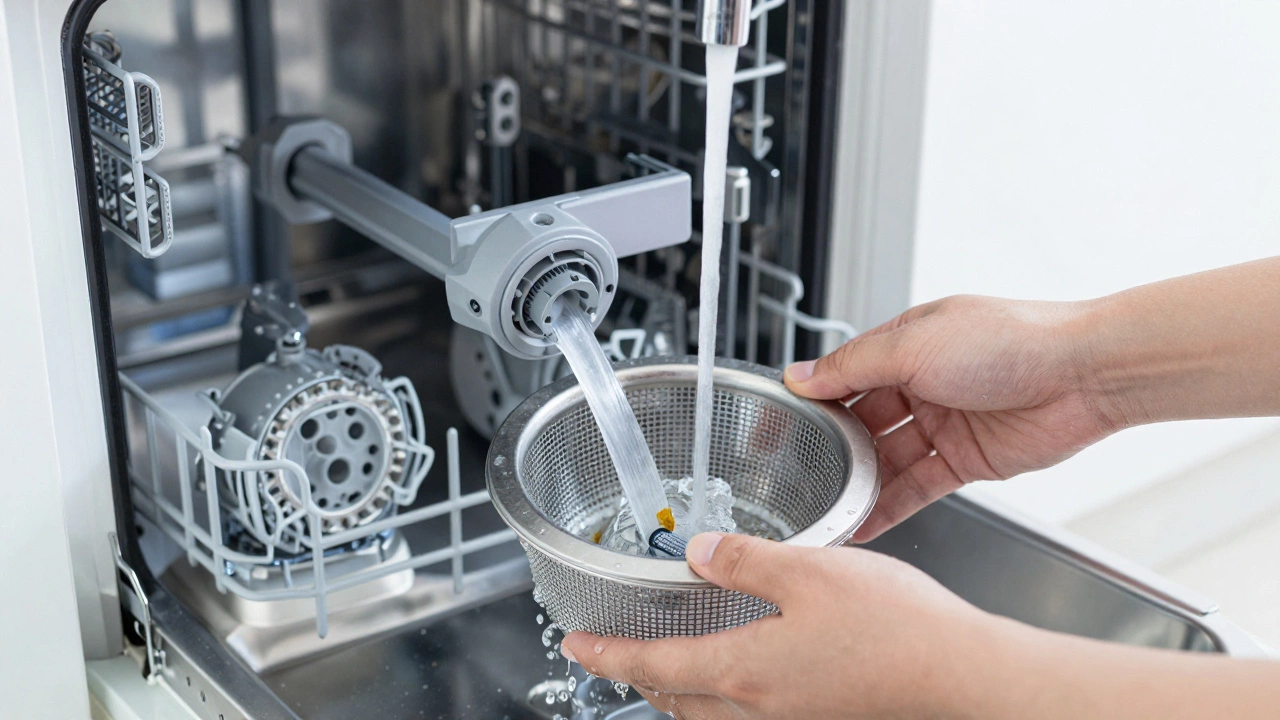
- The Filter: Most modern dishwashers have a mesh filter at the bottom. If food debris clogs this, the pump struggles, triggering error codes. Remove it, rinse it under hot water, and reinstall it.
- The Spray Arms: Check the holes in the upper and lower spray arms. If they are blocked by eggshells or bone fragments, water pressure drops. The machine interprets low pressure as a pump failure.
- The Door Latch: If the dishwasher says "Door Open" but the door is closed, the latch mechanism might be misaligned. Clean the contact points with a dry cloth. If the plastic hook is broken, you need a replacement latch kit.
Safety Precautions Before Resetting
Before you fiddle with breakers or buttons, ensure your safety. Water and electricity are a dangerous mix. Always dry your hands before touching the control panel. If you are accessing the breaker box, stand on a dry surface. If you see water pooling around the base of the dishwasher, do not reset it. Turn off the water supply valve under the sink first, then address the leak. Resetting a leaking machine can cause short circuits in the floor wiring.
Also, be aware of residual heat. If you just interrupted a heated dry cycle, the interior air and racks can be extremely hot. Wait 15 minutes before opening the door fully or reaching inside to check filters.
Troubleshooting Common Scenarios
Scenario 1: The dishwasher won't turn on at all. If the display is completely black, the issue is likely power-related. Check if the circuit breaker tripped. Check if the GFCI outlet (if applicable) tripped. If power is present but nothing happens, the control board itself may have failed. A reset won't help here.
Scenario 2: The dishwasher fills but doesn't wash. This is often a user error rather than a machine error. Did you press "Start"? Some models require you to select a cycle *then* press Start. If you selected a cycle but forgot Start, the machine sits idle. Press Start. If it still doesn't wash, check if the spray arm is jammed by a large plate.
Scenario 3: The dishwasher drains but doesn't fill. Check the water inlet valve. Is the hot water tap turned on? Dishwashers typically connect to the hot water line. If the hot water heater is off for maintenance, the dishwasher will not fill. Also, check the inlet screen for sediment buildup.
Where is the reset button on a dishwasher?
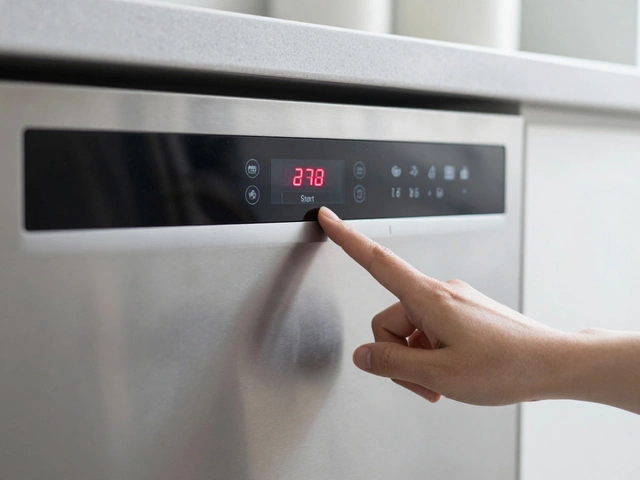
Most modern dishwashers do not have a dedicated "Reset" button. Instead, the reset function is integrated into existing buttons like "Start," "Cancel," or "Heated Dry." You usually need to hold one of these buttons for 3 to 5 seconds to trigger a reset. For brands like Bosch and Miele, a power cycle via the circuit breaker is the primary reset method.
Will resetting my dishwasher void the warranty?
No, resetting your dishwasher will not void the warranty. Resetting is a standard troubleshooting step recommended by manufacturers. It simply reboots the internal computer. However, if you disassemble the unit to access internal components while trying to fix it, that could void the warranty. Stick to button combinations and power cycling.
How long should I wait after cutting power to reset?
You should wait at least 60 seconds after cutting power at the circuit breaker. This allows the capacitors in the control board to fully discharge. If you restore power too quickly, the board may retain the previous error state, making it seem like the reset didn't work.
What if the reset doesn't fix the problem?
If the reset doesn't work, check the physical components: the filter, spray arms, and door latch. If those are clean and functional, look at the error code displayed. Persistent error codes indicate a hardware failure such as a broken pump, faulty heating element, or bad sensor. At this stage, you should contact a professional repair technician.
Can I reset a dishwasher by unplugging it?
Yes, if your dishwasher has a standard plug accessible behind the kickplate or under the counter. Unplugging it for 1 minute achieves the same result as flipping the circuit breaker. However, many built-in dishwashers are hardwired directly into the home's electrical system. In those cases, you must use the circuit breaker to cut power safely.
Why is my dishwasher displaying a blinking light?
A blinking light usually indicates an error code or a locked control panel. Count the number of blinks or refer to your manual to decode the pattern. Often, a blinking light means the door is not latched properly or the control lock is engaged. Perform a reset to clear the lock, and ensure the door is firmly closed before restarting.